

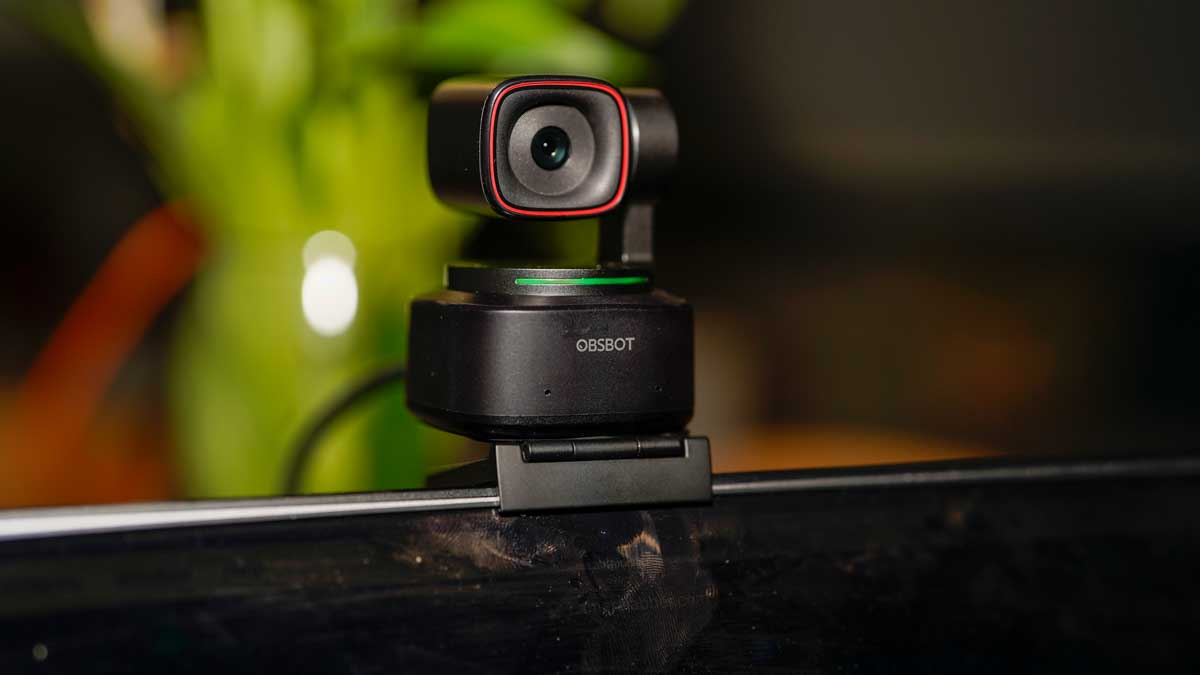
OBSBOT is a technology brand focused on developing AI-powered cameras and webcams designed to make video creation, conferencing, and streaming easier and more dynamic. Rather than relying on basic fixed webcams, OBSBOT products use artificial intelligence to provide features such as auto tracking, gesture control, pan-tilt-zoom (PTZ) motion, and intelligent framing. These capabilities aim to remove the need for manual camera adjustments, giving users more freedom during live streams, video calls, stage presentations, or content creation sessions.
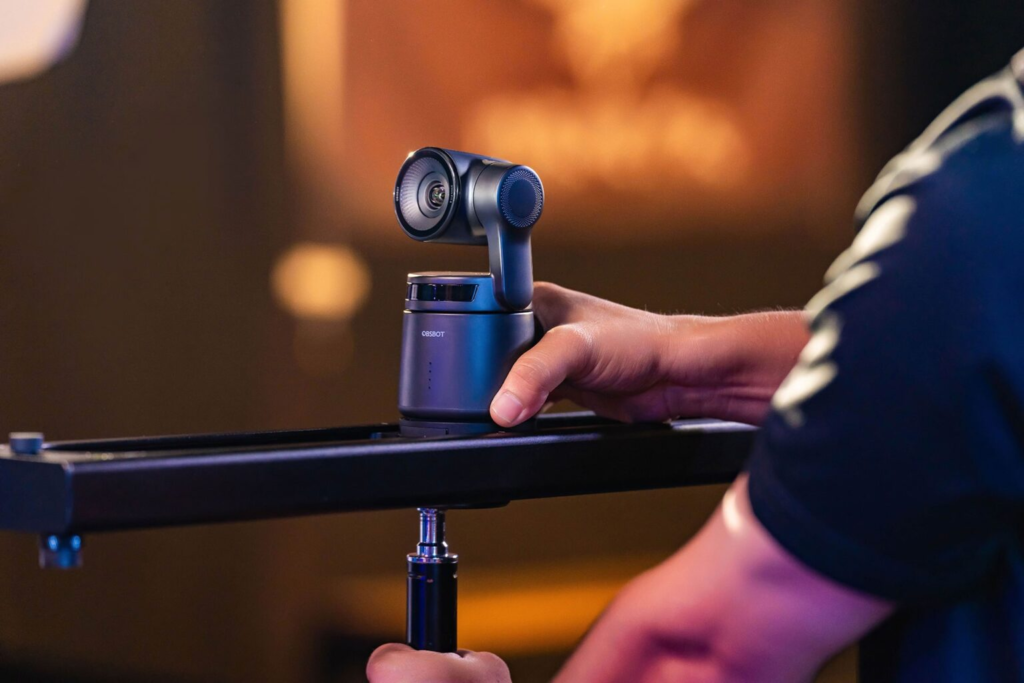
In this review, we explore the main OBSBOT offerings, most notable features, real user experiences, expert perspectives, and how this brand compares with other AI-enhanced camera solutions.
What OBSBOT Offers
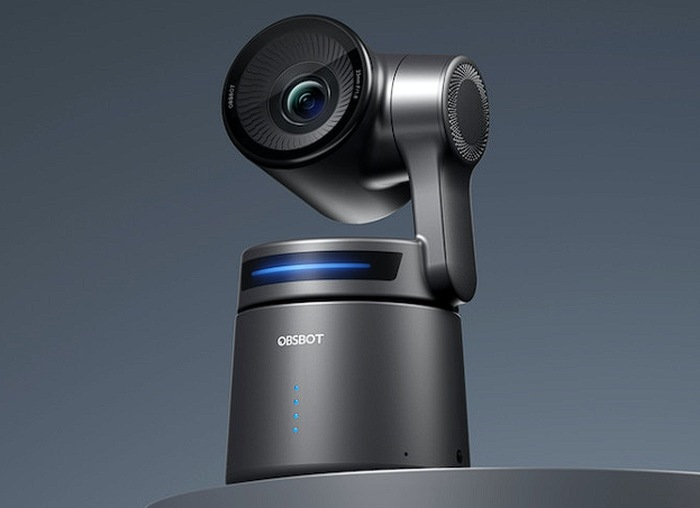
OBSBOT’s current product lineup includes compact AI webcams like the OBSBOT Tiny series, including 4K and 1080p models with automatic tracking and AI framing, as well as PTZ-style cameras such as the Tail series that provide more advanced movement and tracking for larger spaces or multi-camera setups. These devices are built around deep learning neural network algorithms to provide reliable subject tracking and smart framing even as users move around within the field of view. They often integrate with the company’s OBSBOT Center software, which lets users control settings, update firmware, and fine-tune tracking or video preferences.
Some webcams in the lineup also feature gesture controls, allowing users to start or stop tracking, zoom in, or switch modes with simple hand motions, which is especially useful during presentations or recording sessions where hands are full. The lineup aims to serve audiences ranging from casual video callers to serious content creators and small production setups.
Key Features and Technology
AI Tracking and Auto Framing
One of OBSBOT’s standout technologies is its AI tracking capability. Using machine learning, cameras can identify and follow a person’s movements automatically, keeping them centered and well-framed in video feeds without manual pan, tilt, or zoom adjustments.
Gesture Controls
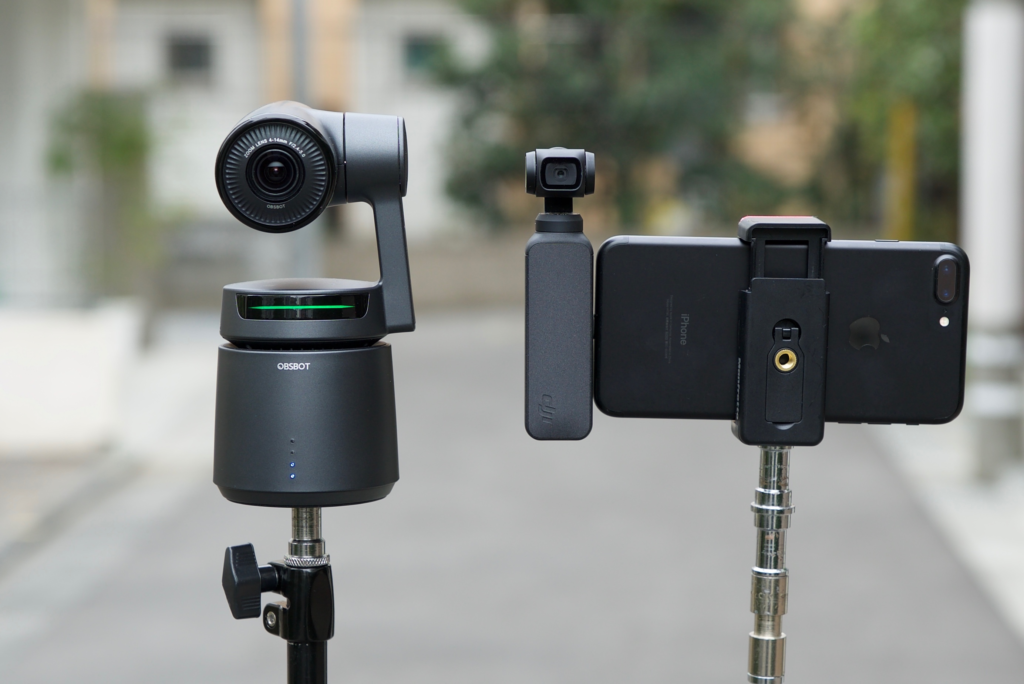
Many OBSBOT models support gesture control, enabling users to interact with the camera settings using predefined hand signals. This convenience is particularly useful in live sessions where switching views or focus manually would be disruptive.
High-Resolution Capture
OBSBOT cameras can deliver high-definition video, with some models supporting up to 4K resolution and smooth frame rates. Independent expert reviews highlight how, for example, the OBSBOT Meet 2 offers 4K quality with tight integration across platforms and reliable autofocus performance for calls, livestreams, and recordings.
Software Integration
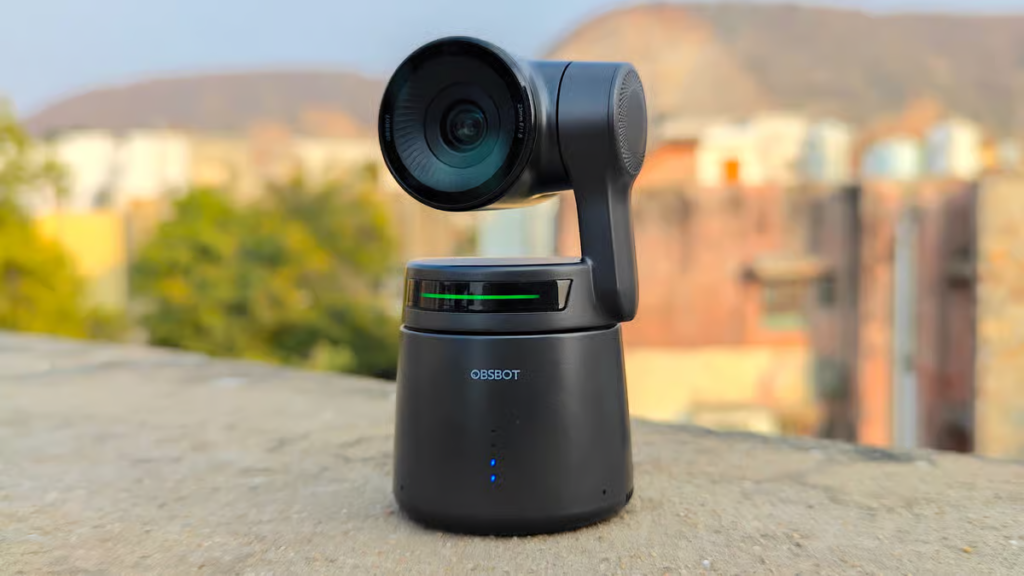
The OBSBOT Center software is an important part of the experience, offering users control over settings such as tracking behavior, motion sensitivity, autofocus, white balance, and exposure. Integration with common streaming and conferencing platforms ensures a flexible workflow for both casual and professional use.
Real-World Benefits
Seamless Auto Tracking
For creators who move around during recording or presentations, AI tracking eliminates the need for static framing. As users walk, gesture, or change positions, the camera follows smoothly, keeping them in view without manual interference.
Enhanced Video Conferencing
For remote work and professional calls, OBSBOT cameras provide quality visual performance with intelligent framing, which helps maintain eye contact and presence even if the user shifts around during a meeting.
Creative Freedom for Content Makers
Streamers, educators, and presenters often report that OBSBOT gear lets them focus more on content and less on camera adjustments. AI-based solutions help maintain dynamic shots during instruction, demonstrations, or live performances.
Customer Experiences and Evidence
Verified buyers on platforms like Trustpilot report positive experiences with OBSBOT products, especially regarding improved image quality and ease of use. One user described how the OBSBOT Meet 2 webcam worked out of the box on their Mac, delivering a noticeable upgrade in video quality and a wide range of controls compared with their previous webcam, and felt comfortable recommending the product for both performance and service.
Another recurring theme among customers is the responsive customer service in certain cases, where support teams stepped in to help resolve delivery or setup issues, leading to a positive purchasing experience. However, independent review collections also show that experiences can vary, as some users highlight hiccups with customs charges or order fulfillment — typical considerations when purchasing electronics shipped internationally.
Expert and Industry Perspectives
Experts reviewing OBSBOT gear emphasize the AI and tracking capabilities as standout features that separate these devices from traditional webcams or basic fixed cameras. In the OBSBOT Tiny 4K review by PCWorld, reviewers praise its combination of high-resolution capabilities and intelligent tracking that keeps subjects centered and sharp even as they move, describing it as a premium webcam option for creators and professionals alike. These points underscore that OBSBOT has succeeded in delivering hardware that matches modern content creation needs.
How OBSBOT Compares With Other Camera Options
| Feature | OBSBOT AI Cameras | Traditional Webcams | Higher-End Conference Cameras |
|---|---|---|---|
| AI Tracking | Yes | No | Limited |
| Gesture Control | Yes | No | Limited |
| Resolution Options | Up to 4K | Typically up to 1080p | Up to 4K+ |
| Auto Framing | Yes | No | Partial |
| Software Customization | Yes | Minimal | Varies |
Compared to traditional USB webcams that rely on static framing, OBSBOT’s AI cameras bring dynamic tracking and gesture interaction to the table. While higher-end conference cameras can offer professional features like multiple camera feeds or advanced zoom lenses, OBSBOT strikes a balance by combining intelligent automation with accessible pricing for individual creators and small teams.
Pricing and Value
OBSBOT products range in price depending on features and resolution. Entry-level models provide AI tracking and gesture control at approachable points, while higher resolution and enhanced performance models command a premium. For many users, the combination of smart features with solid imaging performance justifies the investment, especially where dynamic or hands-free operation is needed.
Who OBSBOT Is Best For
OBSBOT AI cameras are particularly well suited to:
- Content creators and streamers
- Remote professionals who want engaging video calls
- Educators and presenters needing hands-free framing
- Small production setups without a dedicated camera operator
They may be less ideal for:
- Casual users who need only basic webcam performance
- Specialized professional broadcast studios requiring multi-camera systems with synchronized feeds
Frequently Asked Questions
Many prospective buyers ask whether OBSBOT’s AI features are worth the cost. Based on independent review assessments, users generally find that auto tracking and gesture control notably enhance video quality and usability compared to static webcams. Others wonder if the software is easy to use; most reviewers note that setup is straightforward with OBSBOT Center, though occasional firmware updates may be needed for best performance.
Final Thoughts
OBSBOT has carved out a compelling niche in the AI camera market with hardware that blends intelligent tracking, versatile controls, and strong video performance. With positive customer feedback on quality and usability, and expert reviews highlighting real advantages for creators and professionals, OBSBOT cameras represent a robust choice for anyone serious about elevating their video presence. Whether for conferencing, streaming, or content creation, OBSBOT’s suite of AI-enabled devices makes advanced camera technology accessible to a wide range of users.
I’ve already bookmarked this post for future reference. Your work is invaluable!
I’m thrilled the post made it to your bookmarks! Thanks for your support.